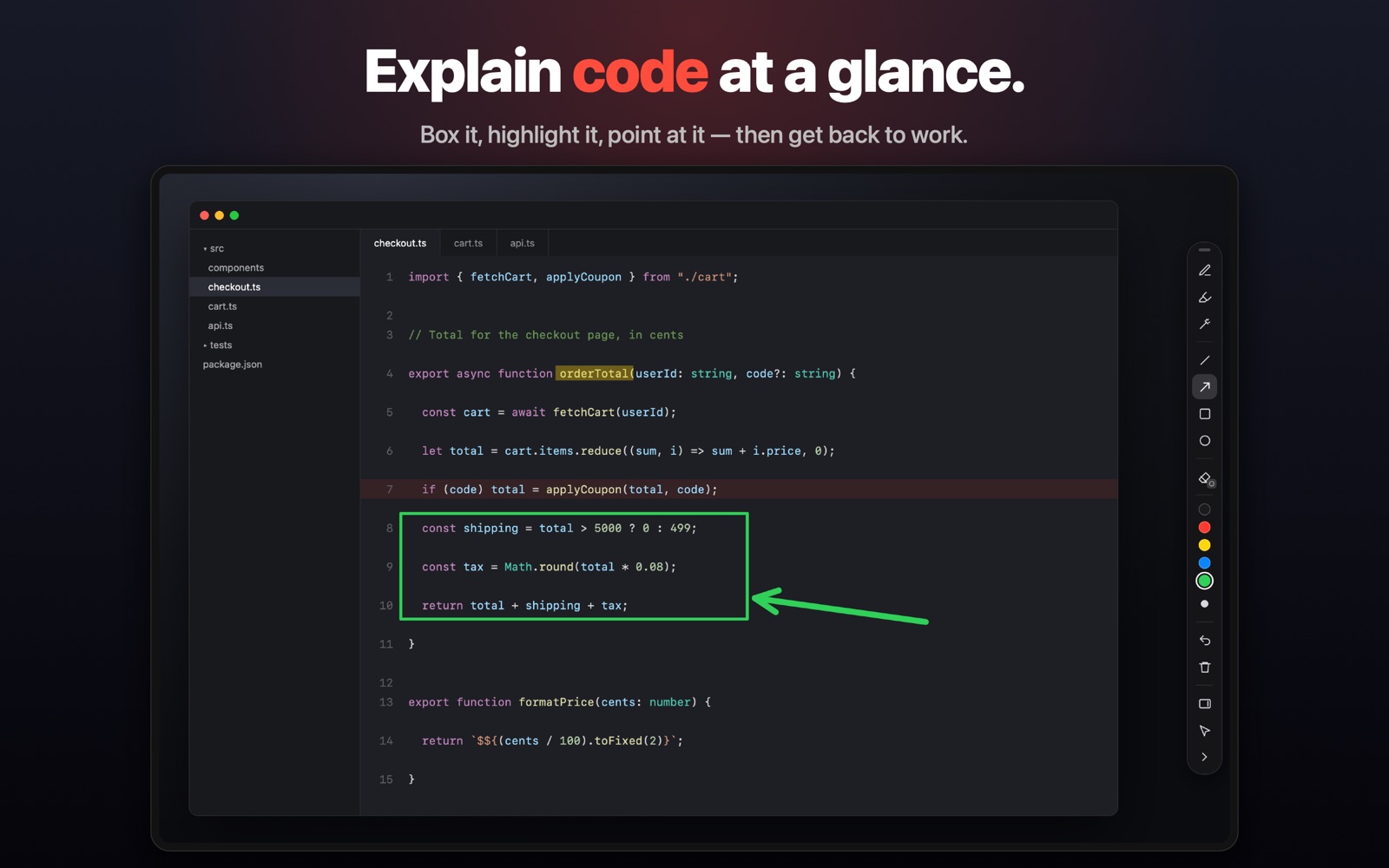
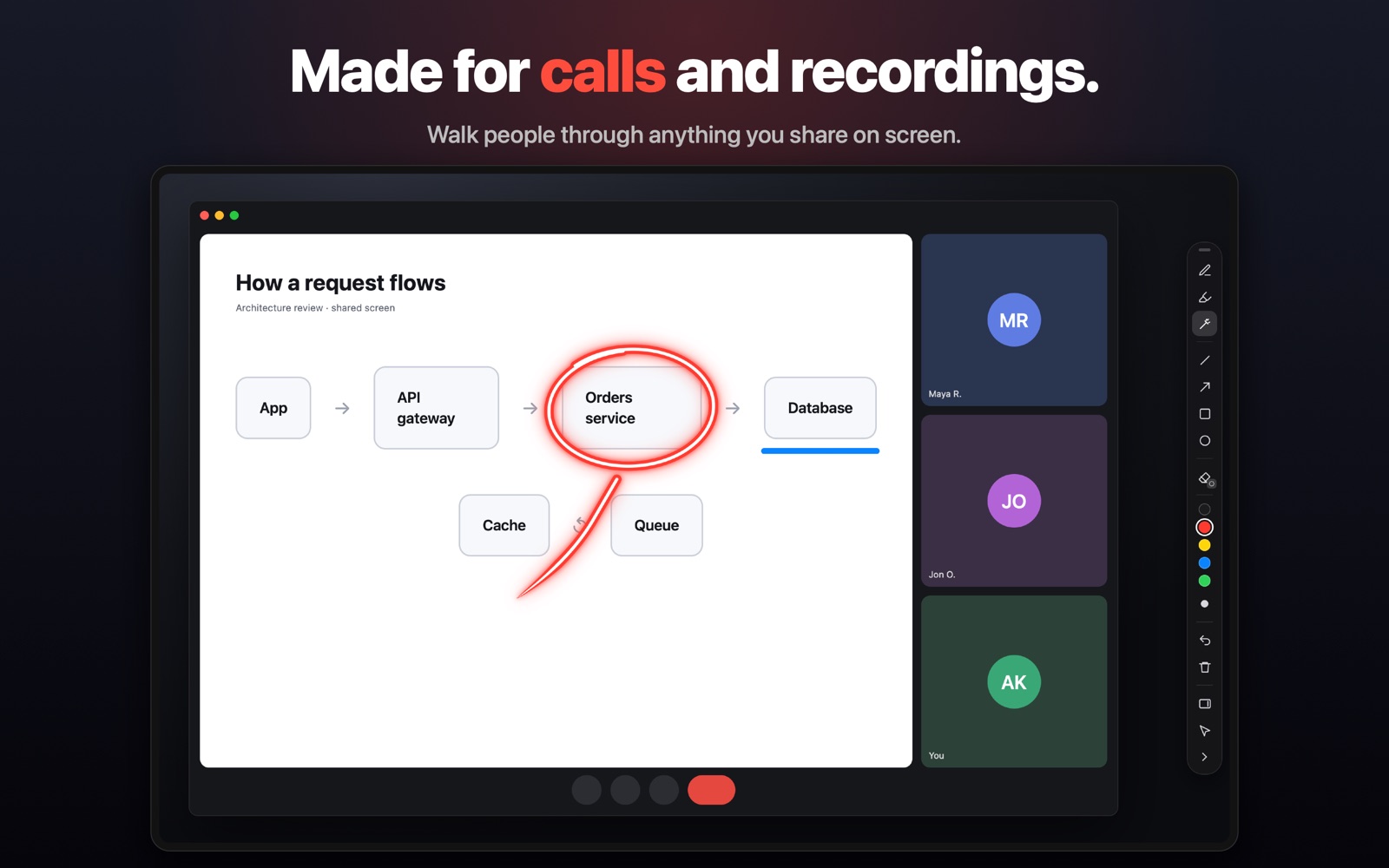
A tiny toolbar that lets you draw, highlight and point on top of every app on your Mac — slides, browsers, code, video calls.
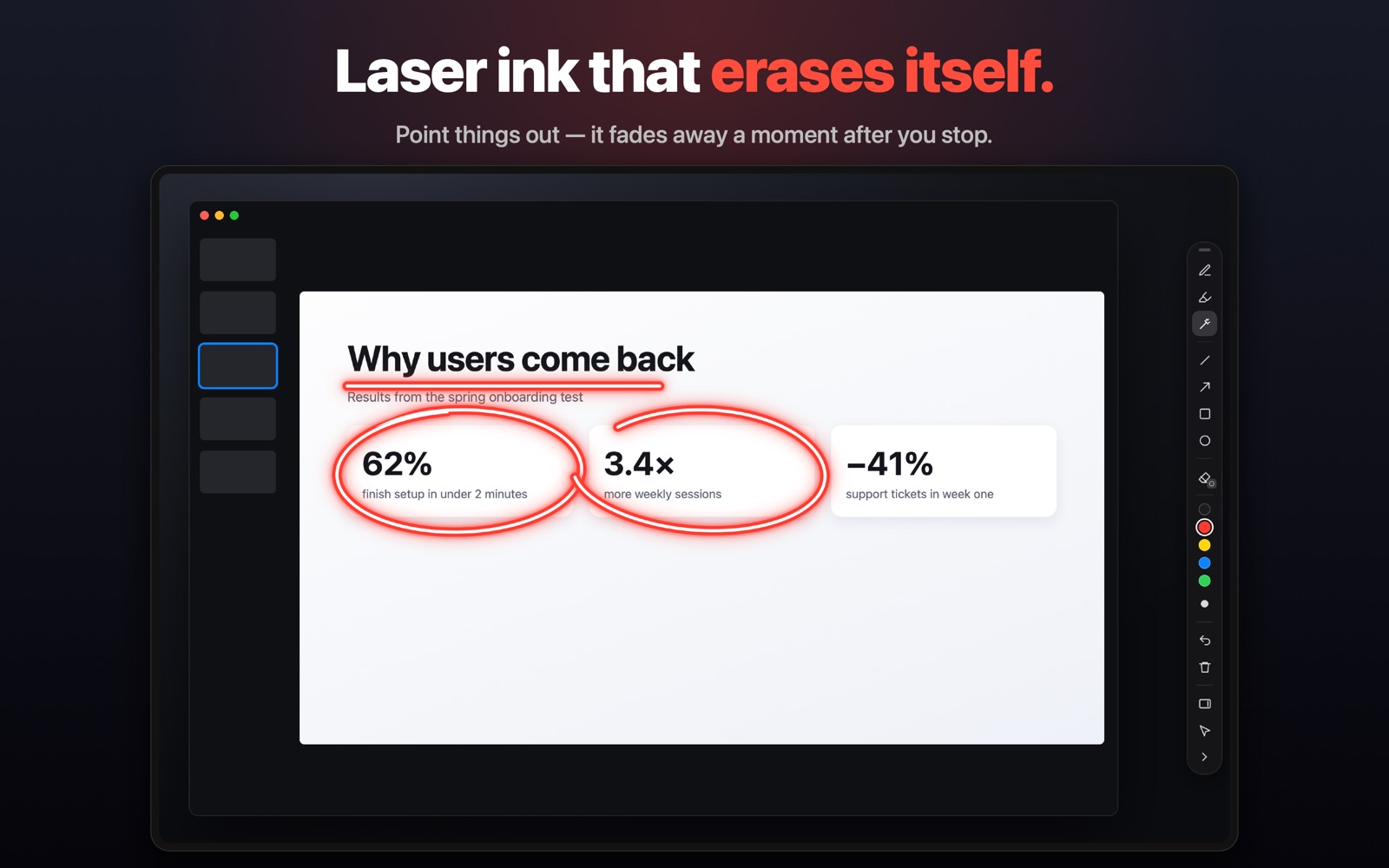
Try it: drag anywhere up here — that’s laser ink. It wipes itself away a second after you stop.
Nothing you don’t. One small toolbar, out of your way until you need it.
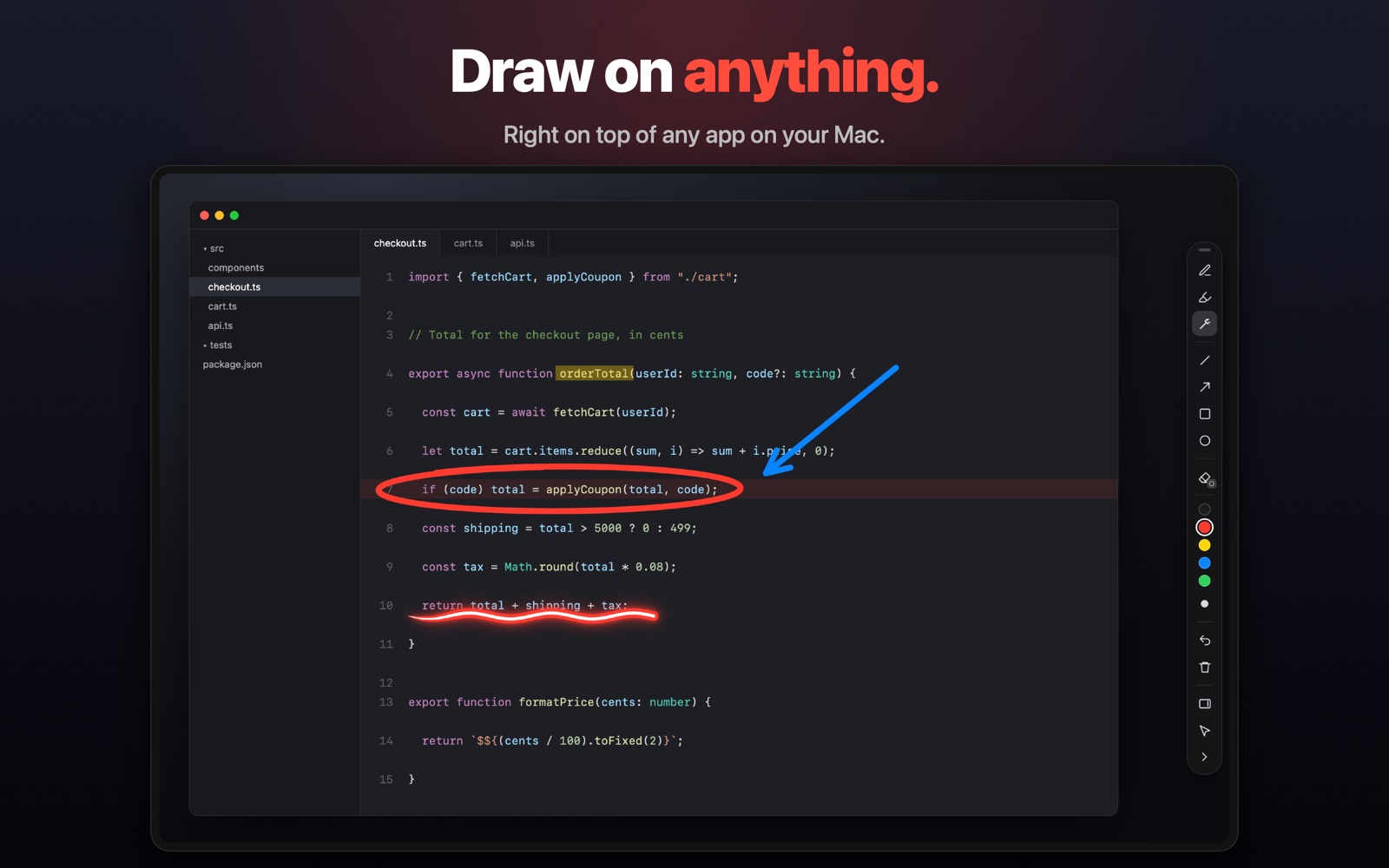
Smooth freehand ink and a see-through highlighter that sits behind your notes.
A glowing pointer that stays while you keep drawing, then wipes away from the tail a moment after you stop.
Lines, arrows, squares and circles. Hold Shift for a perfect square or circle.
Rub out just part of a stroke, or tap once to remove a whole shape. Undo is always there.
Top, bottom or either side — or collapse it into a single round button.
When you’re not drawing, your other apps work normally. Even over full-screen apps.
Click a tool in the toolbar, or press P H M A R O E.
Three sizes and five colors for every tool. ⌘Z to undo.
Press Esc and your Mac works as usual. Your marks stay until you clear them.